
Print Picklist / Paging Slips
- In Leap, select Utilities > Picklist Processing

- Choose the branch (if applicable), then click Refresh. INNReach items in the list will have an I at the beginning of the row.

- To only see INNReach items in the picklist, select the INN-Reach Only box, otherwise local holds will appear as well.

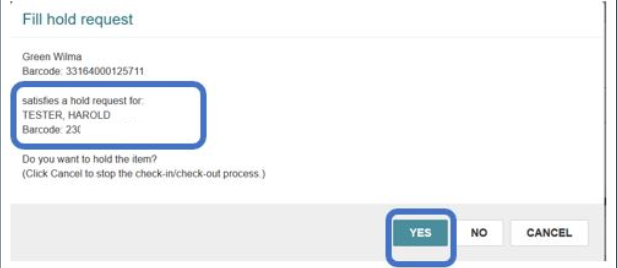
- When checked-in, a pop-up will appear for all items on hold. Click Yes to print the transit or shipping slip.
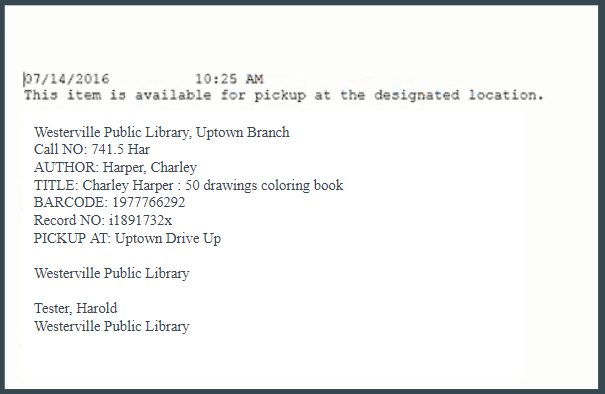
- Holds slips will have both item and patron information.
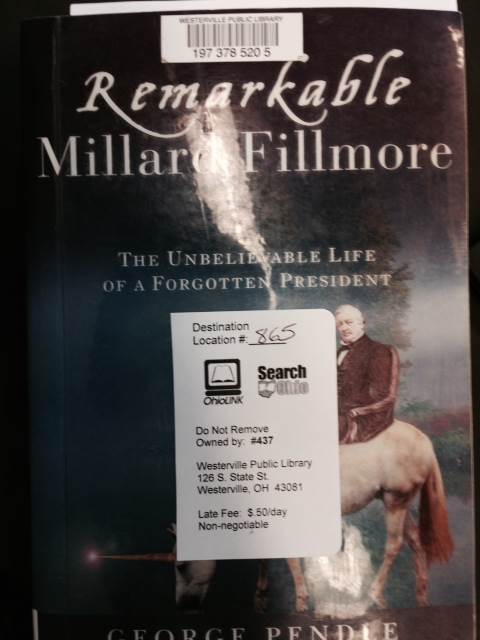
- Affix a SO/OL stick to the face of the item, making sure not to cover the barcode. Write the 3-digit code on the label.
- Shelve and / or pack the item for shipping.